Classroom Companion — Teach from your seating chart.

Take attendance and track participation right from your seating chart.
For iPhone, iPad, and Mac
A seating chart that fits your classroom.
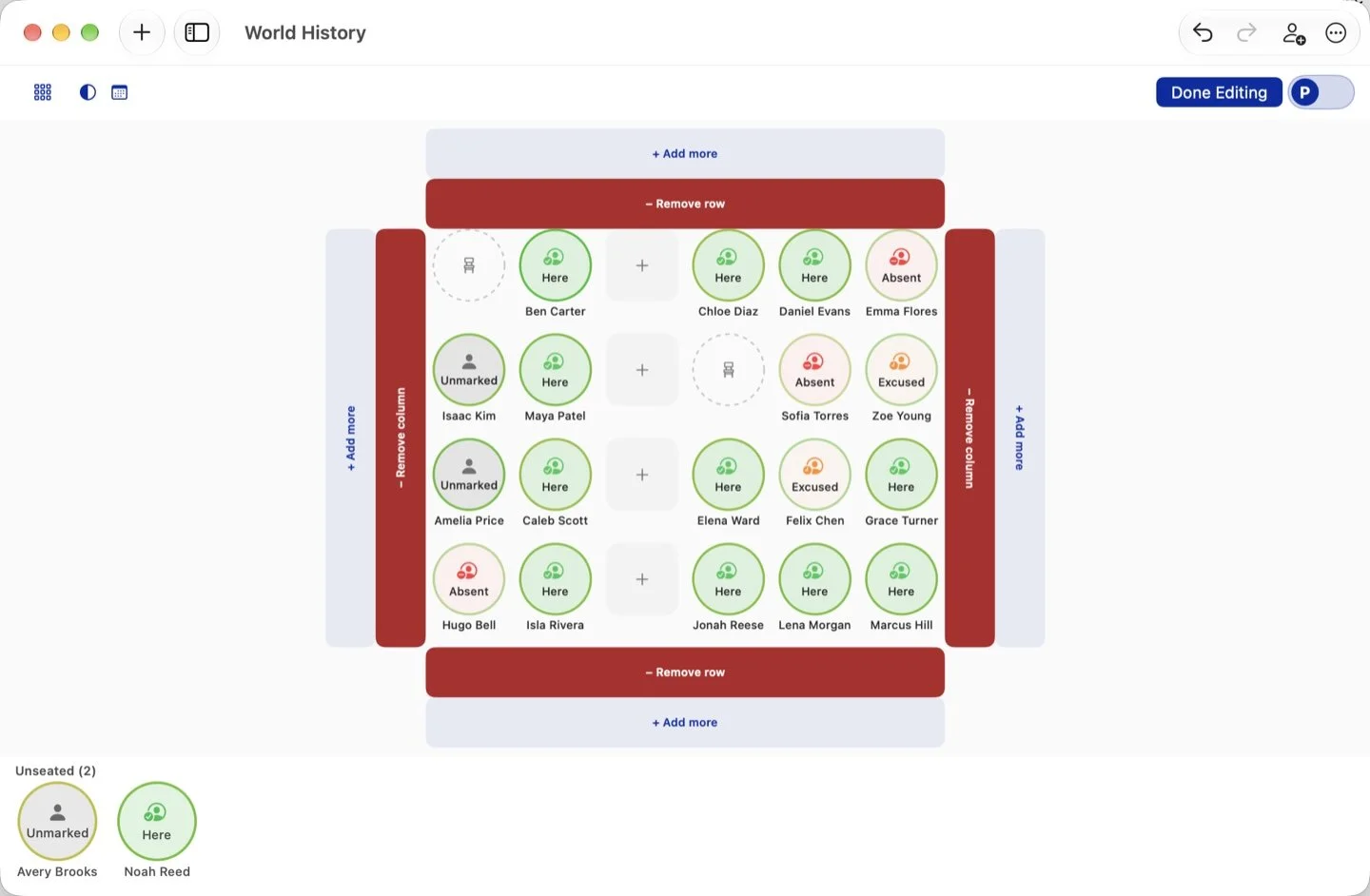
Drag students into place, add or remove seats, and leave space for aisles. Keep students in the unseated row until you’re ready to place them.
Move students when the room changes. Their participation and attendance history moves with them.
Switch modes without leaving the chart.
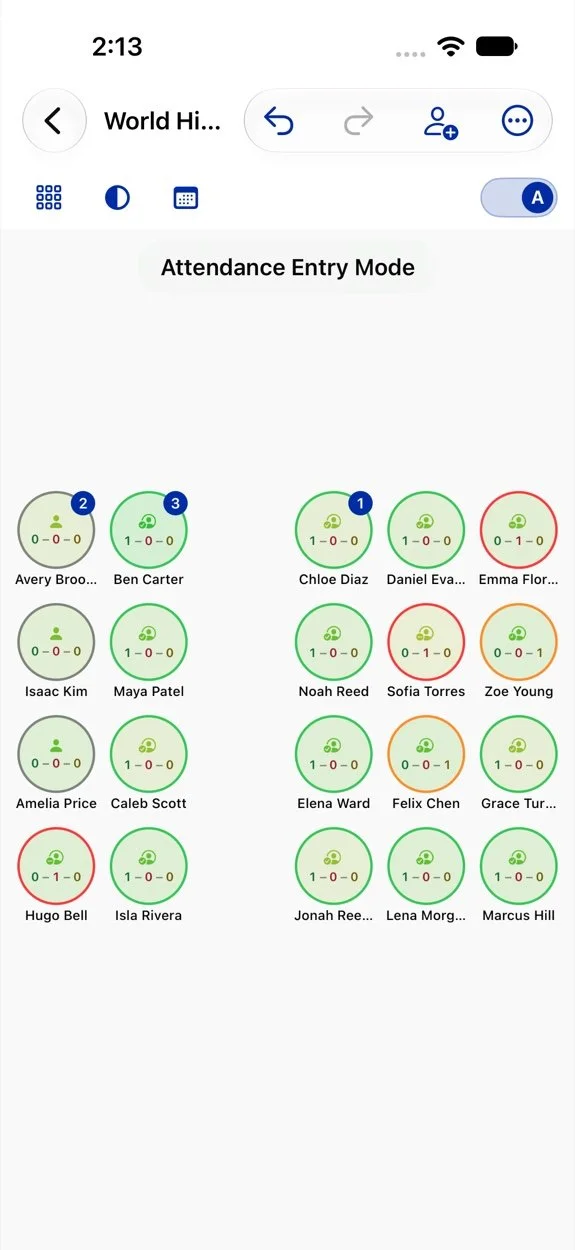
In Participation, tap a seat once for a correct answer or twice for an incorrect answer. Switch to Attendance and tap a seat to cycle through Here, Absent, Excused, and Unmarked.
Undo or redo a change during the session.
See the metrics that matter at a glance.
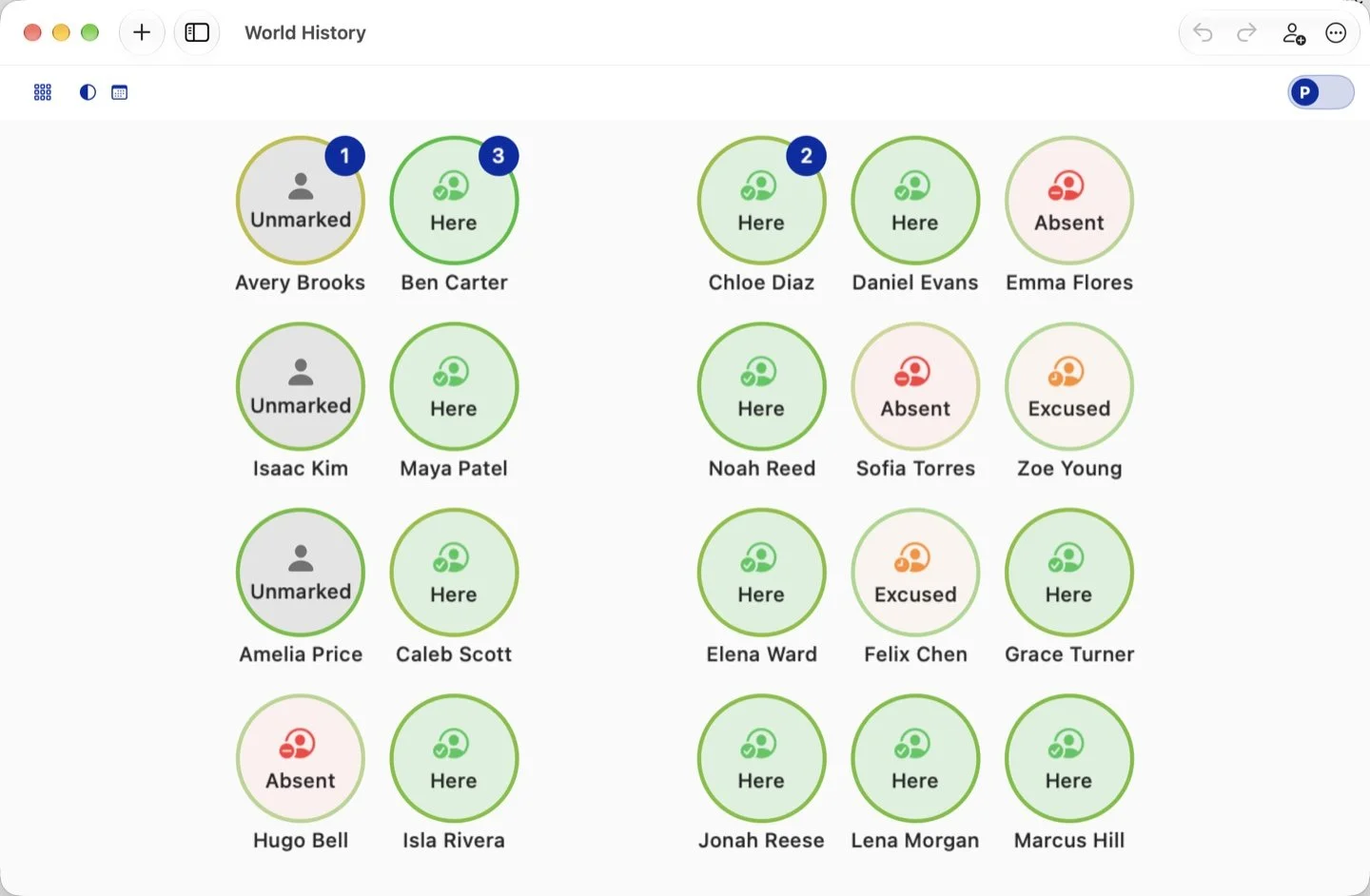
Set each seat’s fill and outer ring independently. Show today’s attendance alongside correct-answer rate, or choose another combination that suits your class.
Look at the day or date range you need.
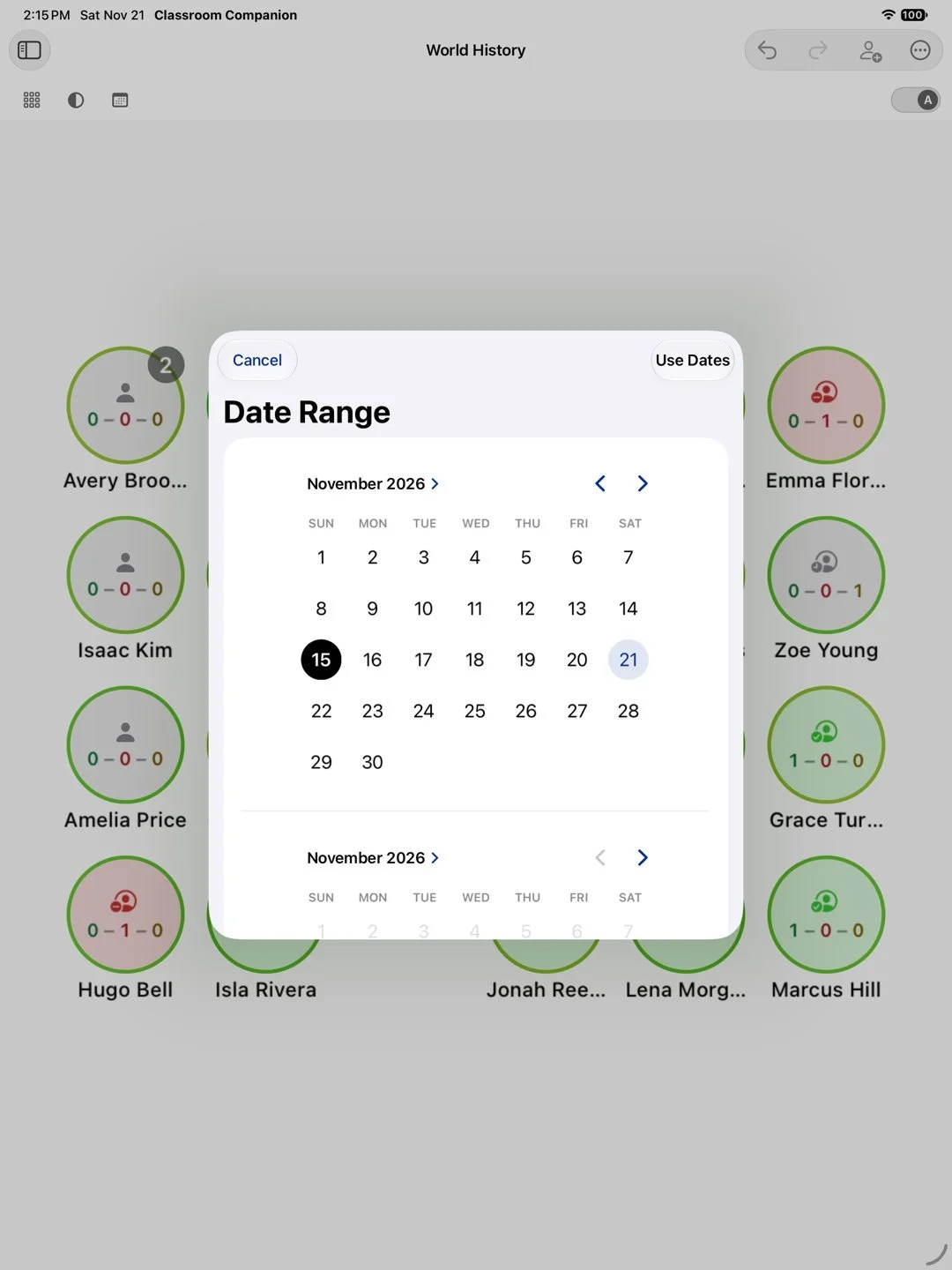
Check attendance for a specific day, review participation over a period of time, or save a date range you use often. Your selection applies in both modes, and each class remembers its selection.
Keep the next student to call at the top.
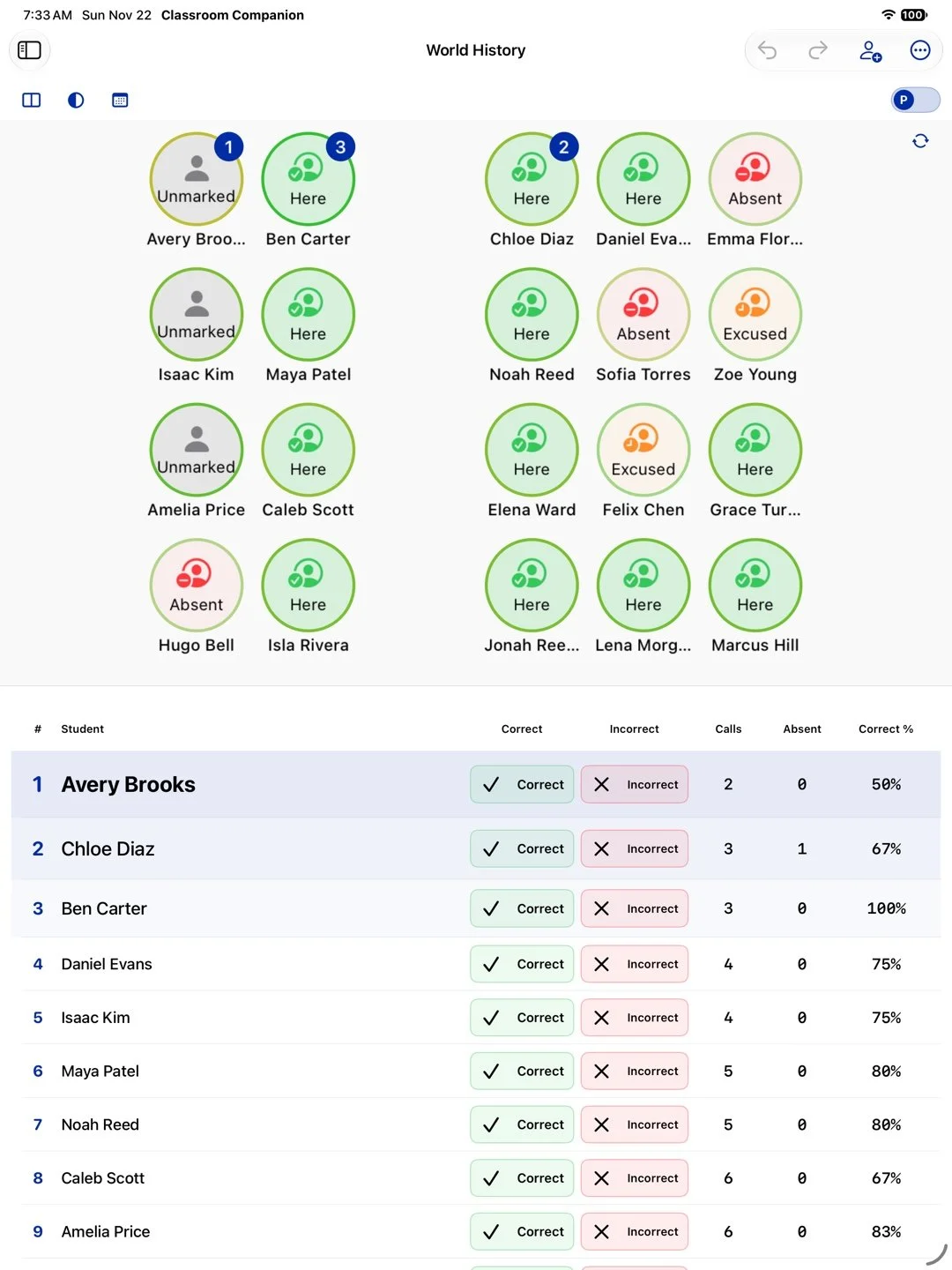
Sort the roster by any available metric, or use Default to automatically move the next student to call to the top. The seating chart marks the next three students so you can keep the discussion moving.
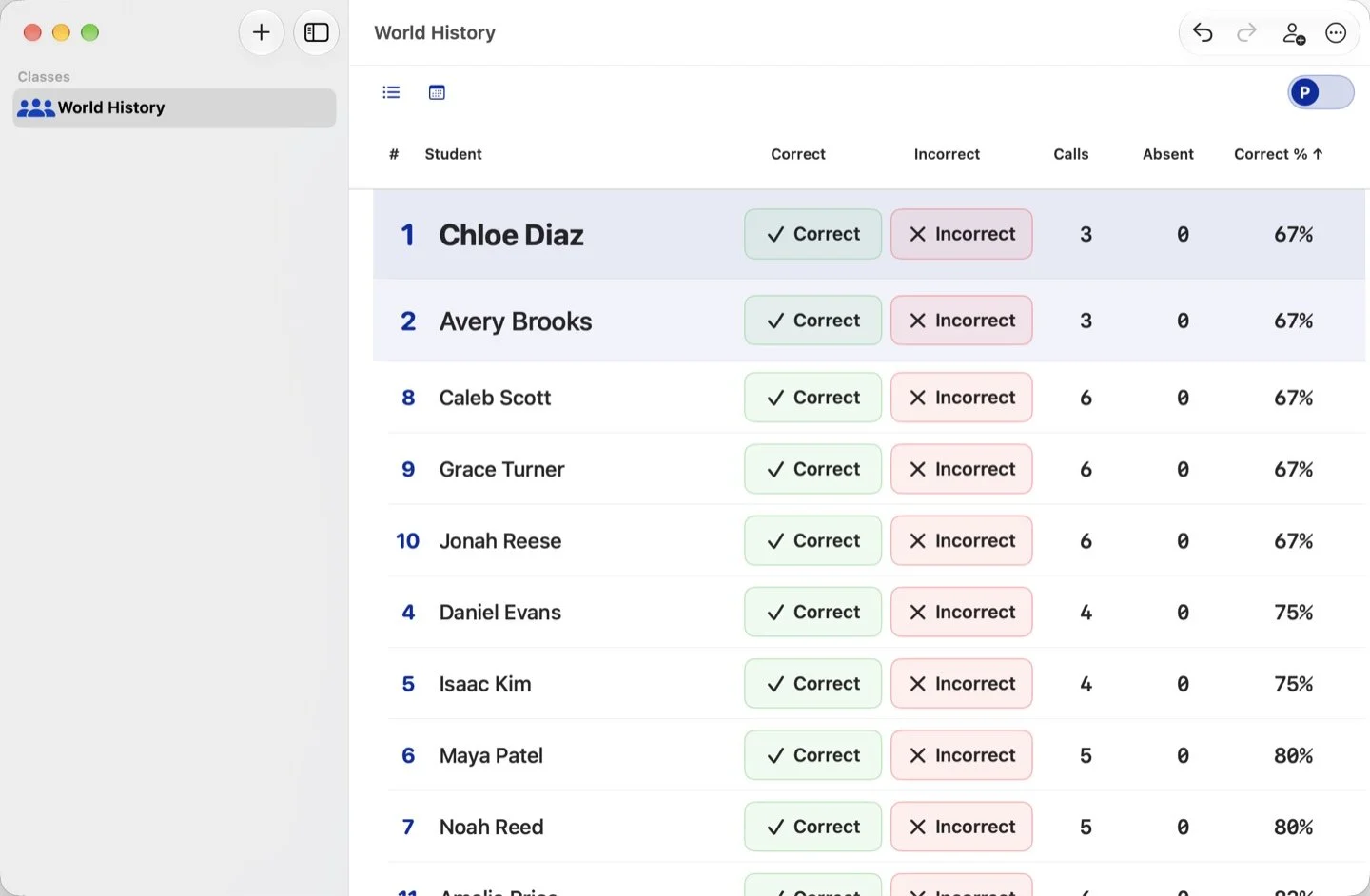
Keep the chart and roster in view.
Switch between the seating chart and roster. On supported displays, use Split view to keep both in view and give yourself more ways to manage your class. Swap the panes or zoom the chart to fit the room.
Start with your next class.
Build your roster
Start with the guided tutorial. Add students one at a time, paste a roster, or import a CSV or text file. Review or correct participation and attendance in each student’s history.
Start free
Use every feature with one class and up to 30 students. A one-time Full Access purchase of $1.99 USD removes both limits. There’s no subscription or separate app account.
Keep your classroom notes private.
Classroom Companion is designed for your private notes and memory aids. Protect access with a PIN, Face ID, or Touch ID on supported devices.
Optional encrypted iCloud sync keeps your records available across devices. Optional encrypted backups save your classes, students, history, notes, date ranges, and seating layouts in a recovery file.
Bring your seating chart to your next class.
Apple, App Store, iPhone, iPad, Mac, Face ID, Touch ID, and iCloud are trademarks of Apple Inc., registered in the U.S. and other countries and regions. Mac App Store is a service mark of Apple Inc.