Teach from your seating chart.
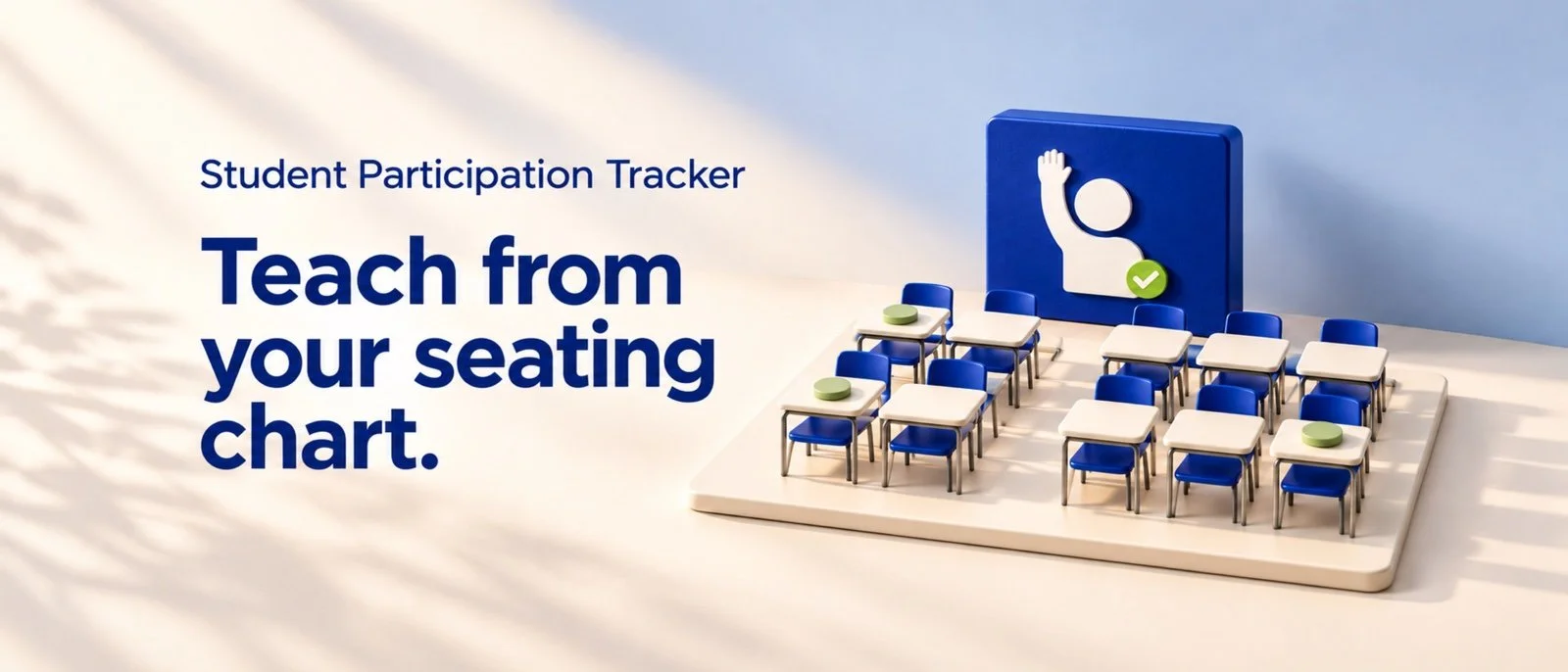
Take attendance, record participation, and see who to call on next, all from a room layout you create.
For iPhone, iPad, and Mac
A seating chart that fits your classroom.
Drag students into place, move them as your room changes, and add or remove rows, columns, or individual seats to match your layout.
Student history and call order stay with each student when seats change. Zoom and move around larger charts, or fit the whole room on your screen.
Know who to call on next.
The next three students in your chosen call order are marked right on the chart. Tap a student to record a correct or incorrect answer without leaving your room view.
Prefer a list? Switch to the dedicated participation view with flexible sorting. An optional Call button lets you keep a call pending before recording the result.
| # | Student | Calls | Absent | Correct % | ||
|---|---|---|---|---|---|---|
| 1 | Avery Brooks | ✓ Correct | × Incorrect | 2 | 0 | 50% |
| 2 | Chloe Diaz | ✓ Correct | × Incorrect | 3 | 1 | 67% |
| 3 | Ben Carter | ✓ Correct | × Incorrect | 3 | 0 | 100% |
See who’s here. Plan for another day.
Hold a student on the seating chart to mark Here, Absent, or Excused. Clear seat colors make daily attendance easy to see, and a dedicated attendance list is always available.
Select a past date to review or correct attendance, or a future date to enter expected attendance. Undo and redo help you correct accidental participation, attendance, and seating changes.
| Student | Here | Absent | Excused |
|---|---|---|---|
| Amelia Price | ✓ | − | ◴ |
| Avery Brooks | ✓ | − | ◴ |
| Ben Carter | ✓ | − | ◴ |
| Chloe Diaz | ✓ | − | ◴ |
| Sofia Torres | ✓ | − | ◴ |
| Zoe Young | ✓ | − | ◴ |
Notice classroom patterns.
Color seats by answer accuracy or recorded attendance to see how participation varies across your room. Your analytical view stays selected until you choose another.
Focus on today, this week, all time, or a saved period for a unit or series of discussions. Date periods can be fixed or continue through today, and each class remembers its own selection.
Your classroom history, organized.
Dated participation and attendance entries, with private notes, put each student’s history in context. Past entries remain editable when a correction is needed.
Flexible history cleanup keeps your rosters intact, whether you’re tidying up a date range, one student, one class, or all your records.
- Times called
- 2
- Absences
- 0
- Excused days
- 0
- Correct
- 1
- Incorrect
- 1
- Awaiting result
- 0
- Percent correct
- 50%
Fits the way you teach.
Choose the view that works for your classroom.
See the chart and list together
On supported larger displays and windows, pair your seating chart with a participation or attendance list. Use a top-and-bottom layout in portrait or side-by-side views in landscape, and swap their order to suit your workspace.
Build a class in minutes
Individual entry, pasted rosters, and CSV or text imports make getting a class ready quick and simple.
Keep your notes private
An app PIN, Face ID, or Touch ID adds another layer of privacy on supported devices.
Start free. No subscription.
Every feature is available free with one class and up to 30 students. A one-time Full Access purchase removes the class and student limits.
Your classroom notes remain yours.
Your class names, student information, participation records, attendance, and notes are not sent to the developer. No separate app account is required.
Optional encrypted iCloud sync keeps your classroom notes and seating layouts available across iPhone, iPad, and Mac.
Complete encrypted backups preserve your classes, students, history, notes, saved date periods, and seating layouts, so your records are ready when you change devices or start fresh.
Bring your classroom into one clear view.
Apple, App Store, iPhone, iPad, Mac, Face ID, Touch ID, and iCloud are trademarks of Apple Inc., registered in the U.S. and other countries and regions. Mac App Store is a service mark of Apple Inc.